Within your account, you have the option to create Discussions. This is a way of having a conversation with your account users, unrelated to Defects.
Scheme Discussions
Step 1: Select the Scheme, Scheme Discussions > + New Discussion
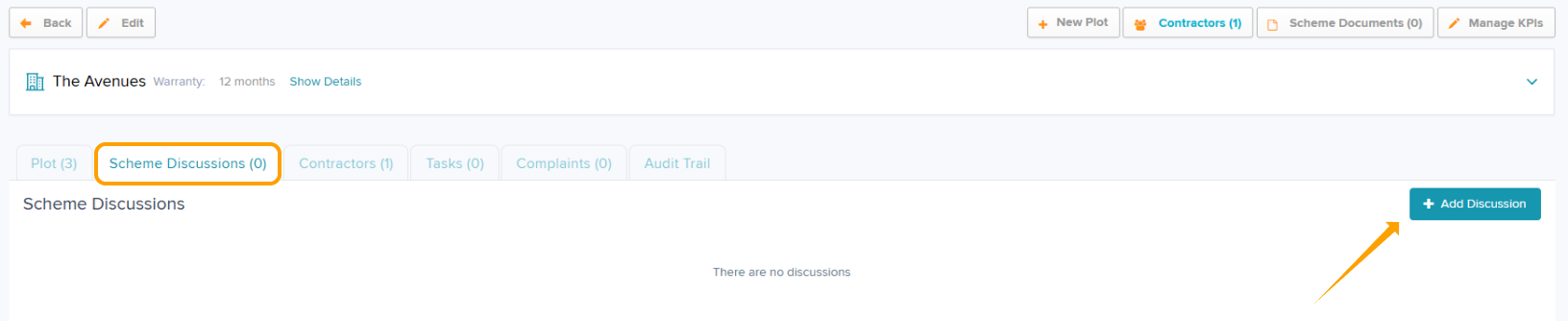
Step 2: Add your Discussion 'Title' & description within 'Body'
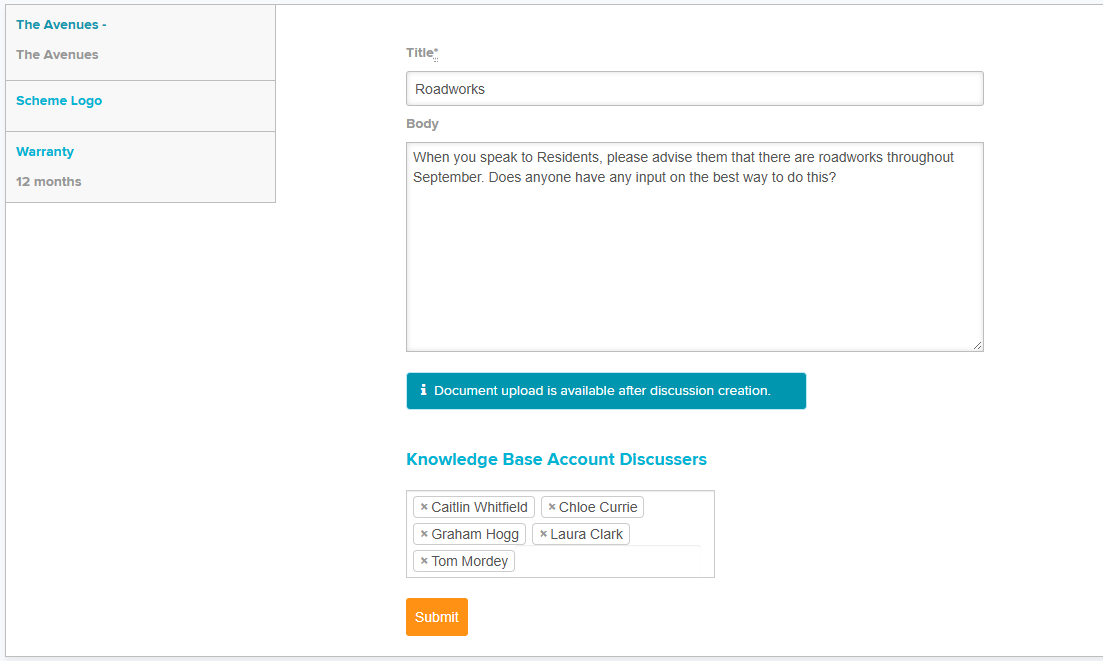
Step 3: Select your Discussers. Depending which context you are using, the options will vary. Mostly this will include your internal users.
This can be helpful for storing important scheme related info that you don't want to add to 'Scheme Documents'.
Step 4: Select Submit
Plot Discussions
Step 1: Select the Plot, Plot Discussions > + New Discussion
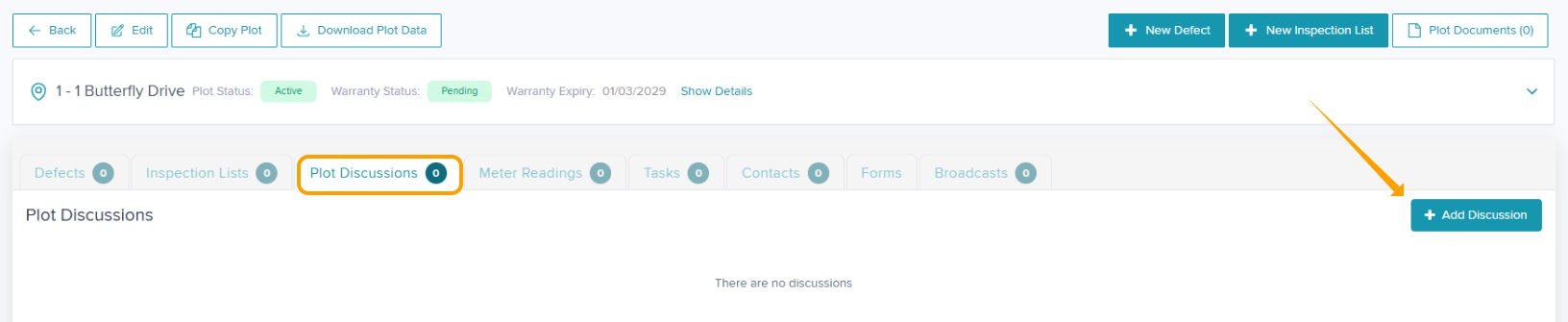
Step 2: Add your Discussion 'Title' & description within 'Body'. Loop in your Discussers by clicking into the box to see the available names.
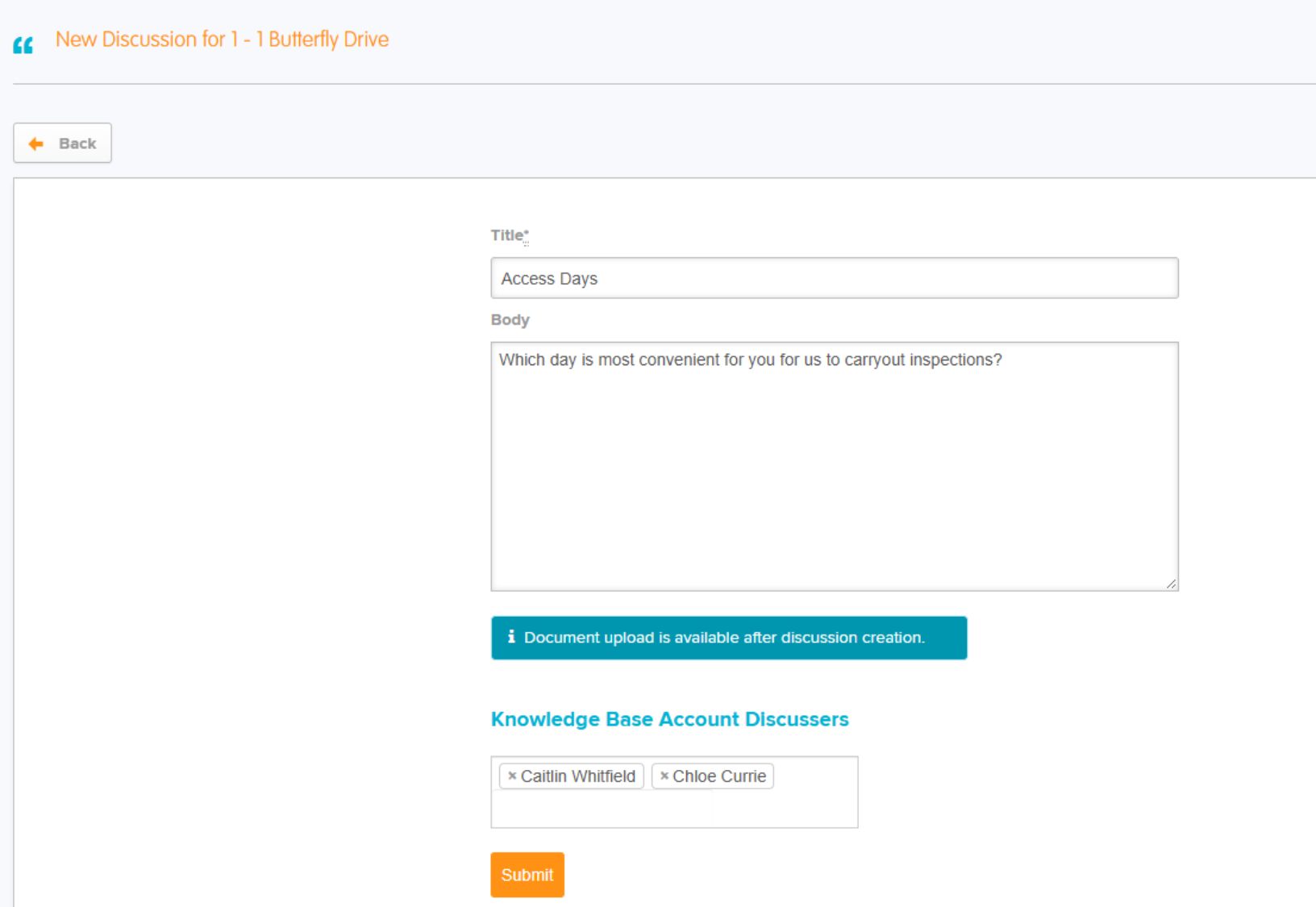
Step 3: Select Submit.
If you have the Residents Portal enabled on your account, you can loop in the plot contact to the discussion if they are a confirmed user.
Once the Discussion is raised, all Admins and any users you have looped in will receive an email notification.
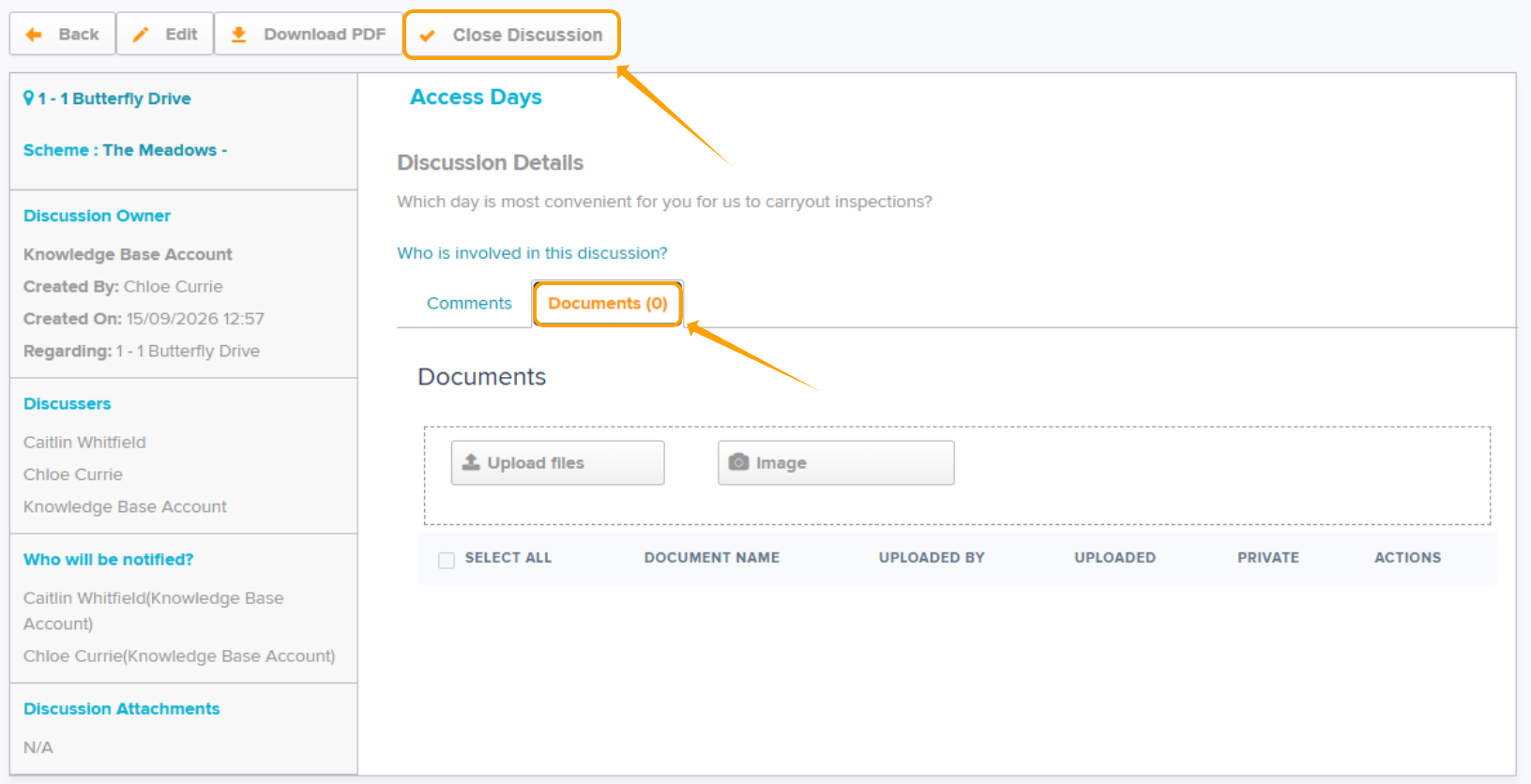
Documents can be added to the Discussion if required, within the 'Documents' tab after creation.
Discussions can be closed once complete.
Was this article helpful?
That’s Great!
Thank you for your feedback
Sorry! We couldn't be helpful
Thank you for your feedback
Feedback sent
We appreciate your effort and will try to fix the article