The Warranty Period Report is context specific. For example, if you run the report in Speculative Housing - the returned results will only include Defects for plots in Speculative Housing, not Partnership Residential or Commercial Projects.
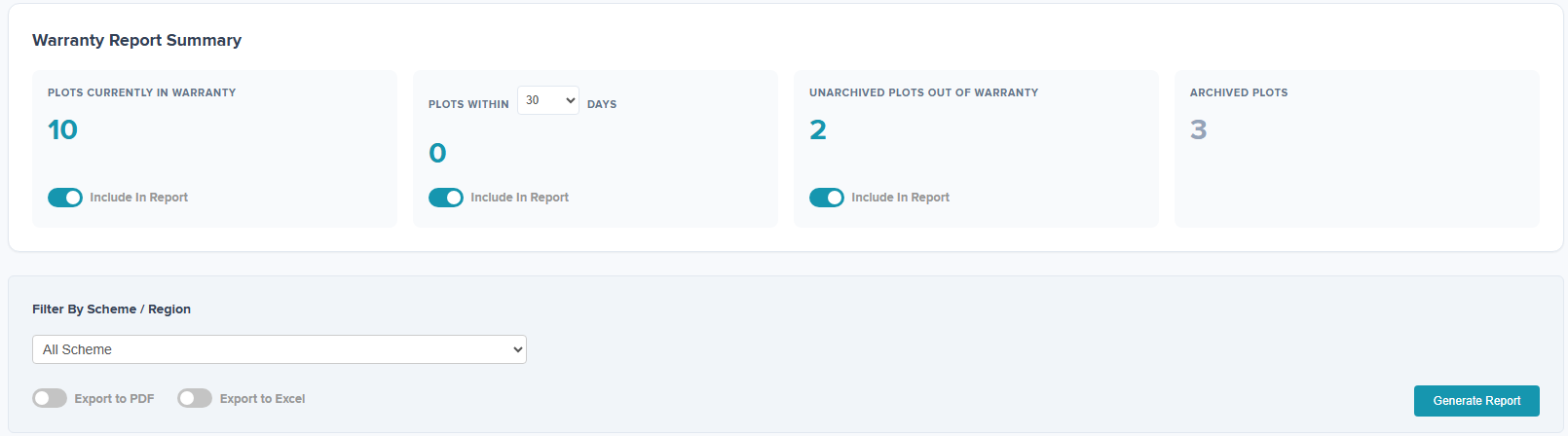
This report can be used to review the warranty status on your active plots. You can choose to report on plots in warranty, unarchived plots which are out of warranty, or plots coming out of warranty which you can filter between the date ranges.
The Report can be exported to Excel or PDF by switching the export toggle ON to the right which will change the colour to blue. Click 'Generate Report'.
A copy of the Report will then show within Admin > Todays Reports and a copy will be sent via email also.
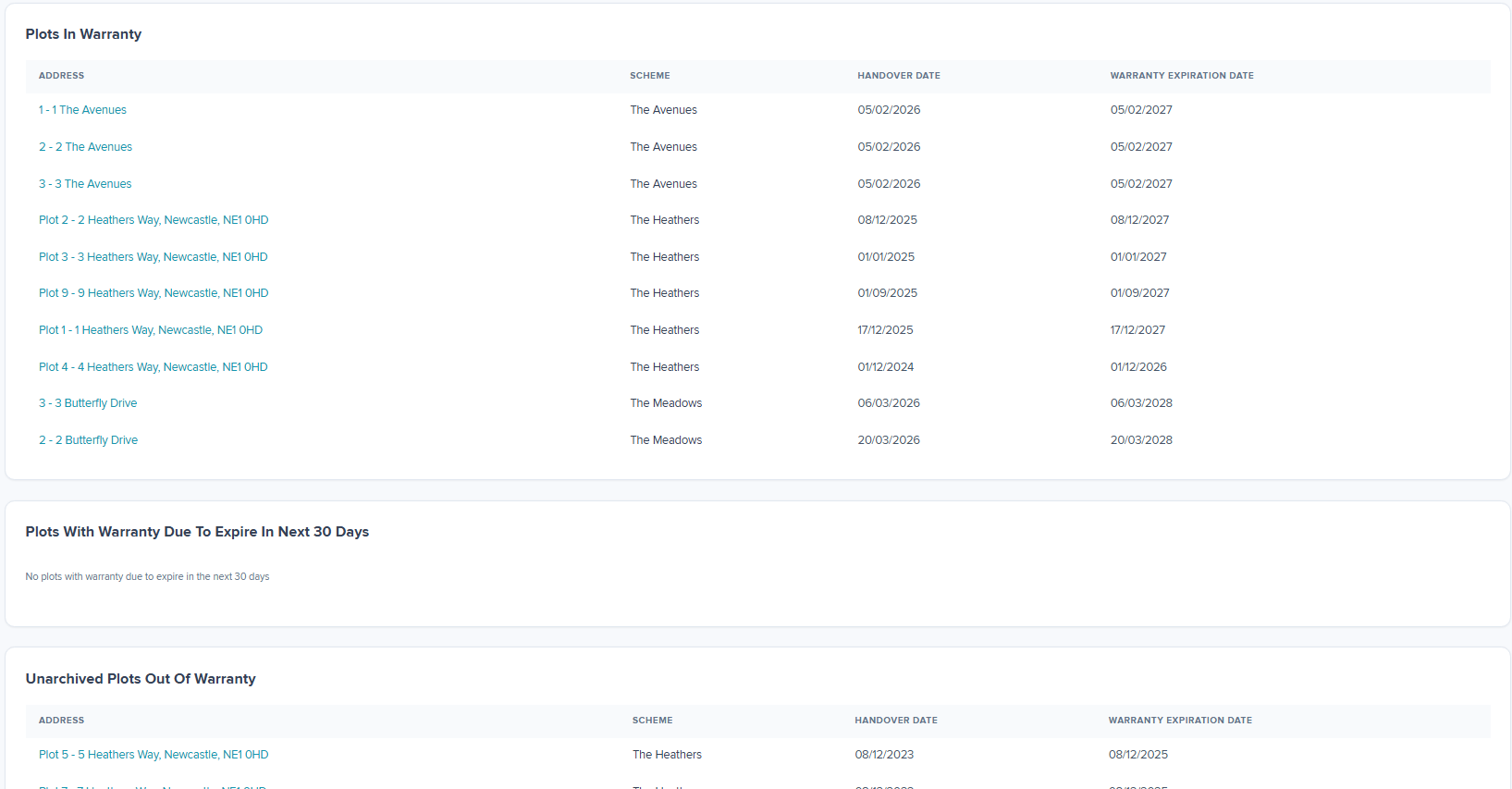
At the bottom of the page it will show further information on the plots with a warranty start date applied.
Was this article helpful?
That’s Great!
Thank you for your feedback
Sorry! We couldn't be helpful
Thank you for your feedback
Feedback sent
We appreciate your effort and will try to fix the article