Root Cause Analysis is an advanced feature. If you would like more information please speak with your Account Manager.
Root cause analysis allows you to record & report on the cause of Defects. This can be done when logging the Defect or when closing the Defect.
Creating Root Cause Categories
Root Causes categories can only be accessed by an Admin.
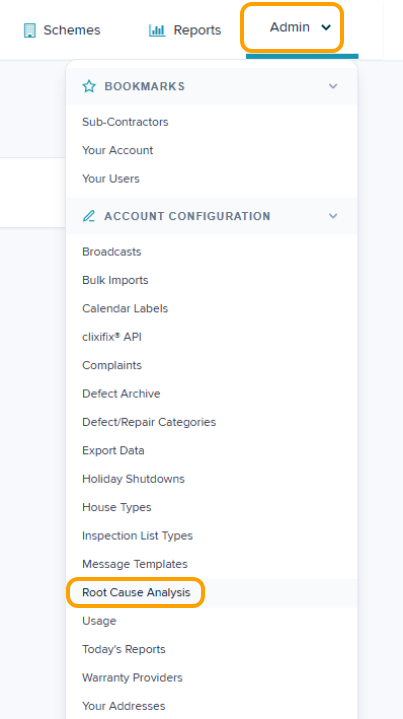
Step 1: Navigate to Admin > Root Cause Analysis
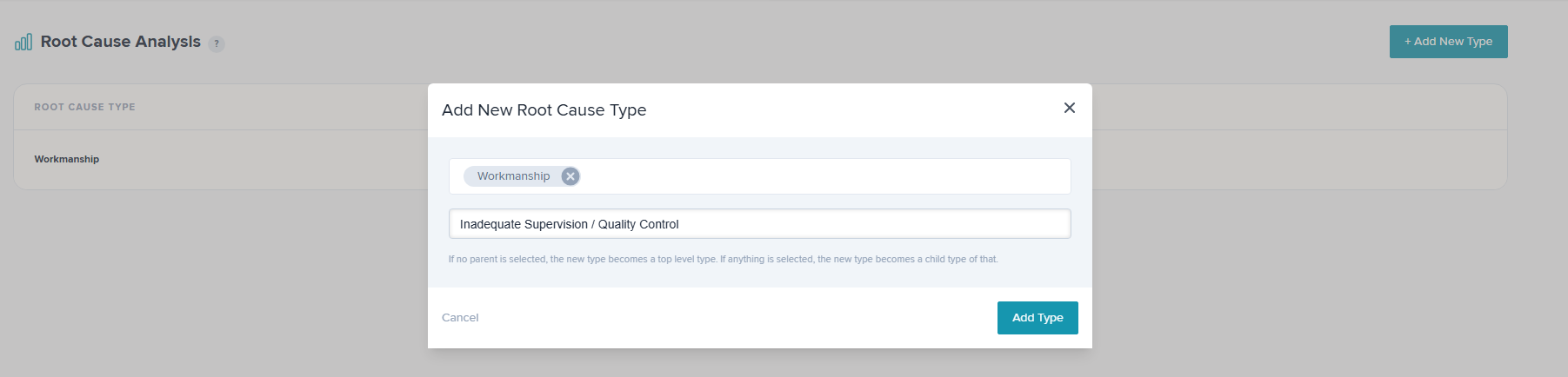
Step 2: Click Add New Type. Enter the Category name & click Add Type
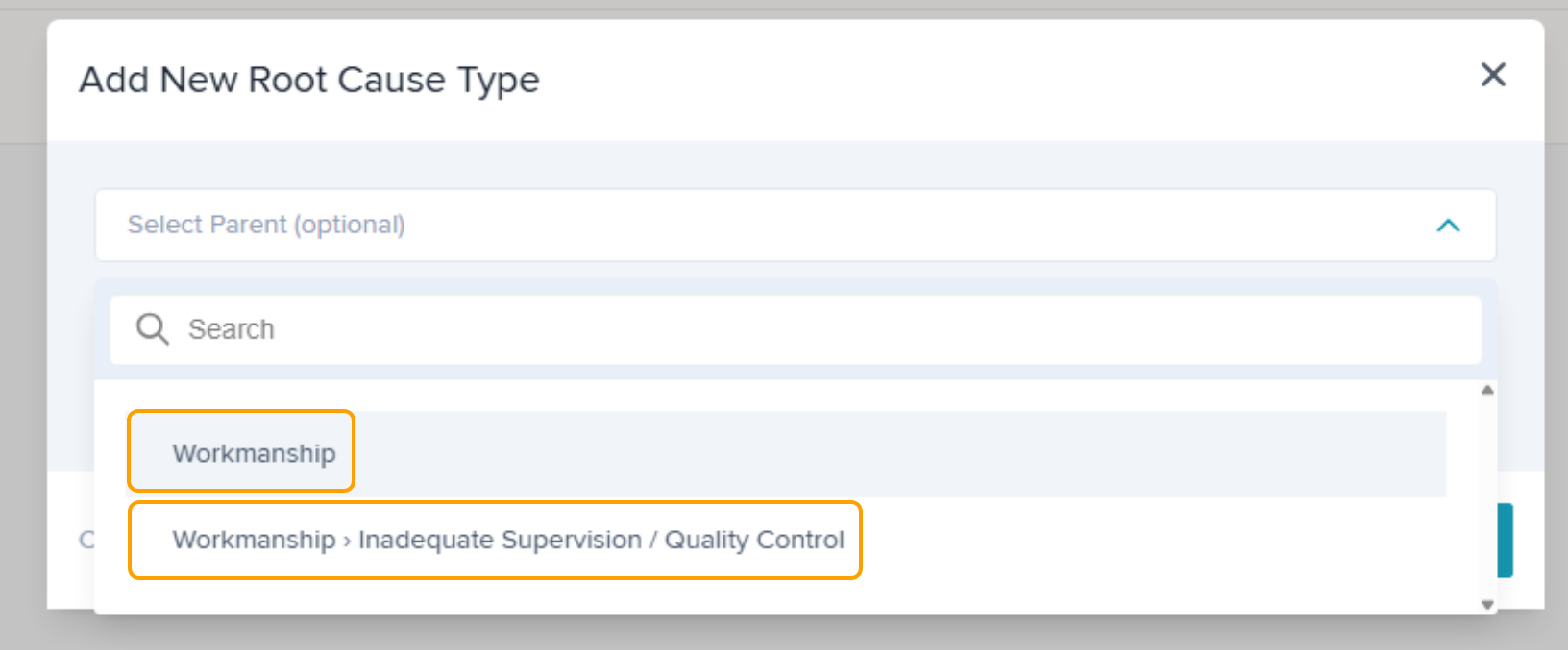
Step 3: Click Add New Type again to add a subcategory if required. You will have an option to link your subcategory to any parent/main category.
Step 4: Click Add New Type again to add a secondary subcategory if required. You will have an option to link your subcategory to any parent/main category or subcategory.
Viewing & Editing Categories
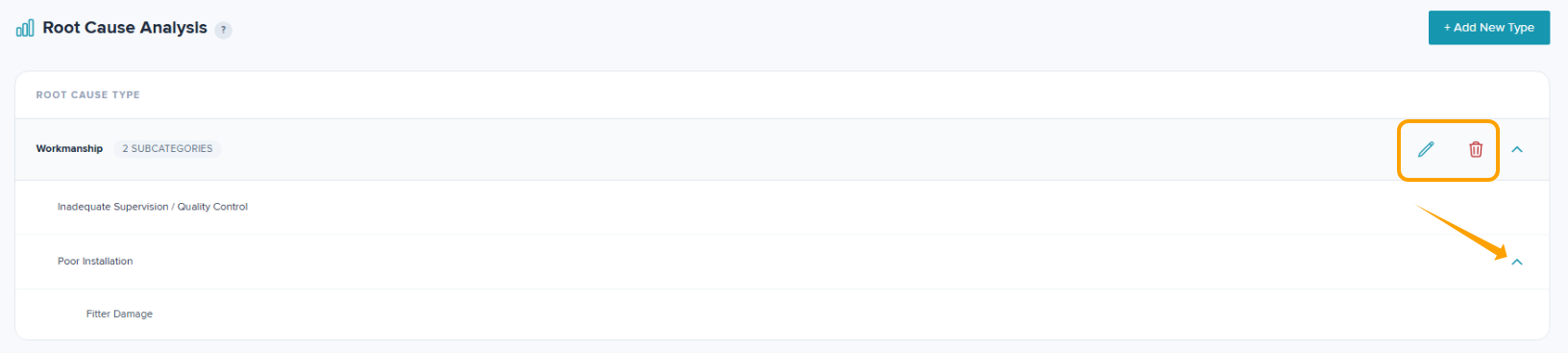
To see all subcategories, click the down arrows to expand the view. To edit a category, click the pencil icon. To delete a category, click the bin icon.
Was this article helpful?
That’s Great!
Thank you for your feedback
Sorry! We couldn't be helpful
Thank you for your feedback
Feedback sent
We appreciate your effort and will try to fix the article