The Resident Portal can be used to raise Defects for your home.
Defects are then sent to your House provider to review.
Defects will be either accepted or rejected by your Housing provider. If your Defect is rejected, a reason will be given to you to explain why.
Creating a New Defect
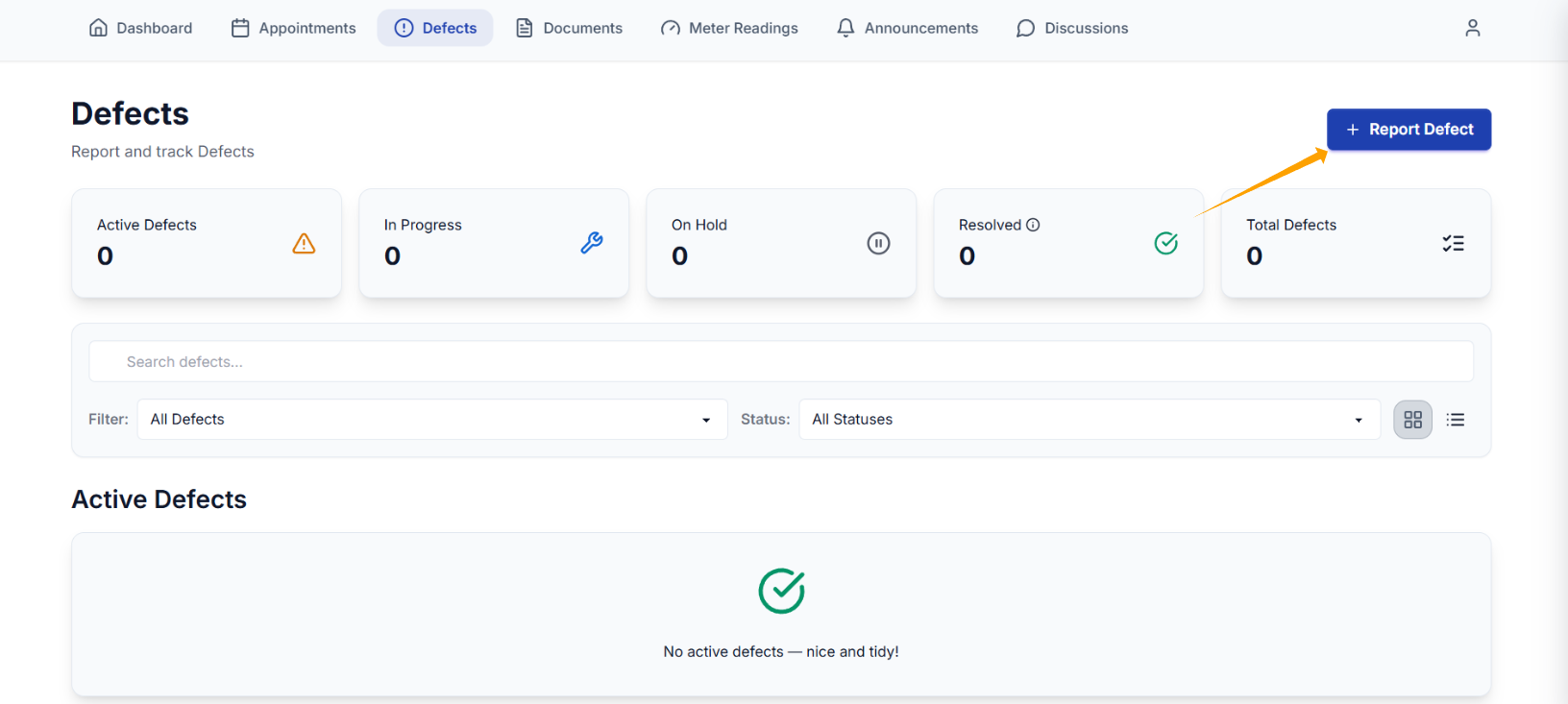
Step 1: Select + Report Defect
(If you cannot see this option, please contact clixifix Support)
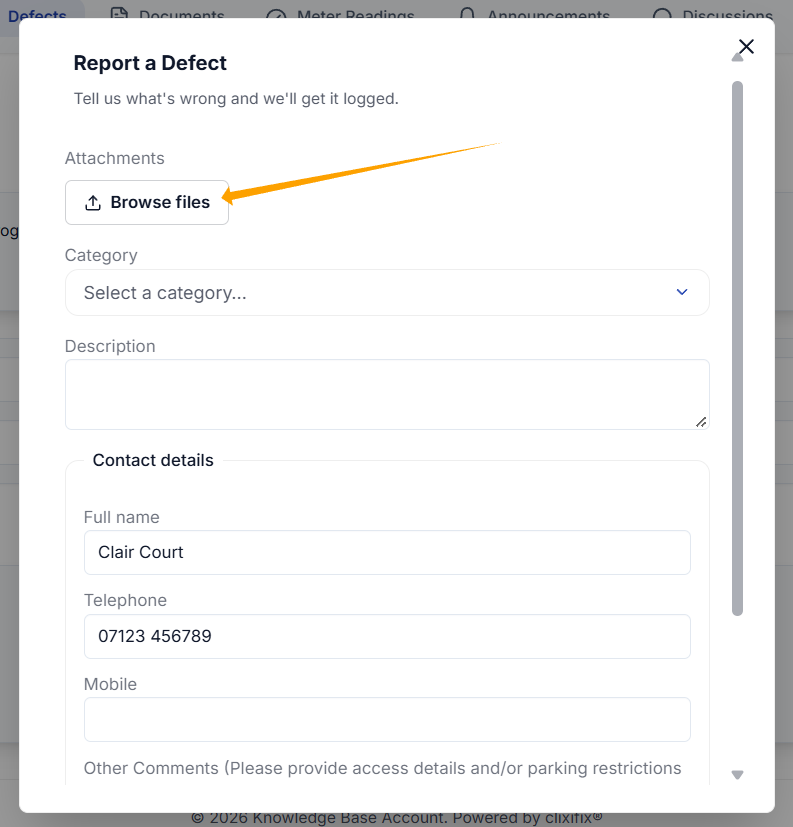
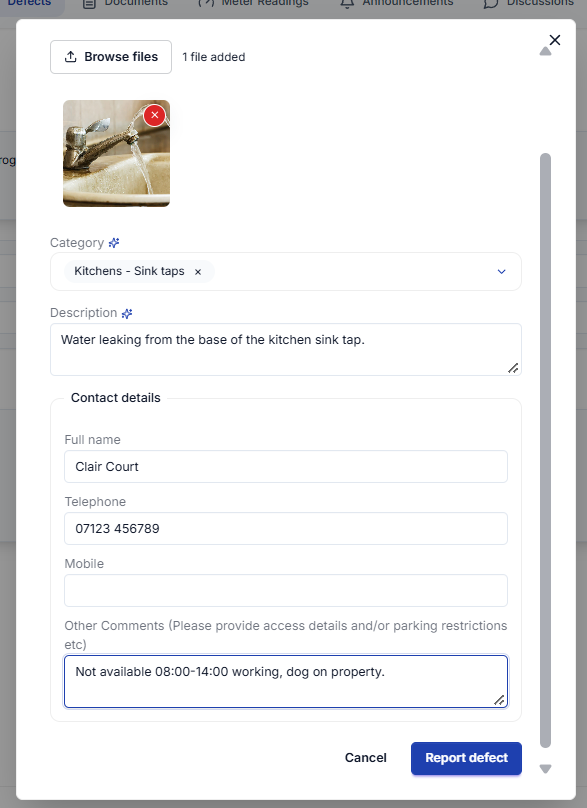
Step 2: Upload an image of your Defect if you have one by clicking 'Browse Files'.
If you are using a mobile device, you will have the option to access the camera or access your photo library. You can also upload a file if required e.g. a PDF or Excel
If you don't have an image, you can skip this step.
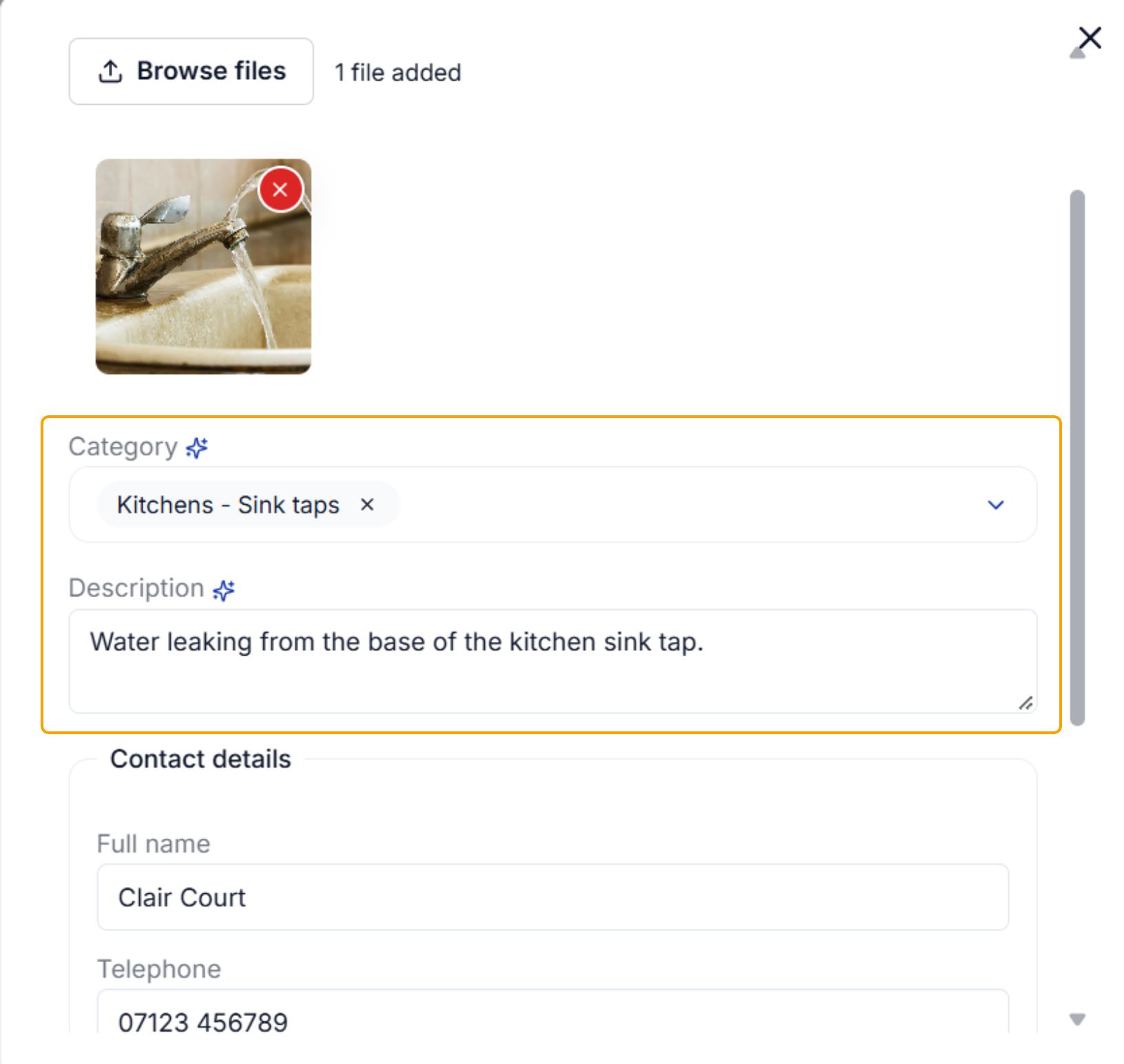
Step 3: If your image is recognised, the system will allocate Defect Categories and a Description. All info can be amended if required by selecting the dropdowns & choosing new categories or overtyping the description.
If your image is not recognised or if an image was not added, manually select your Defect Category & Sub-Category from the drop down options and enter your description. These are all mandatory fields.
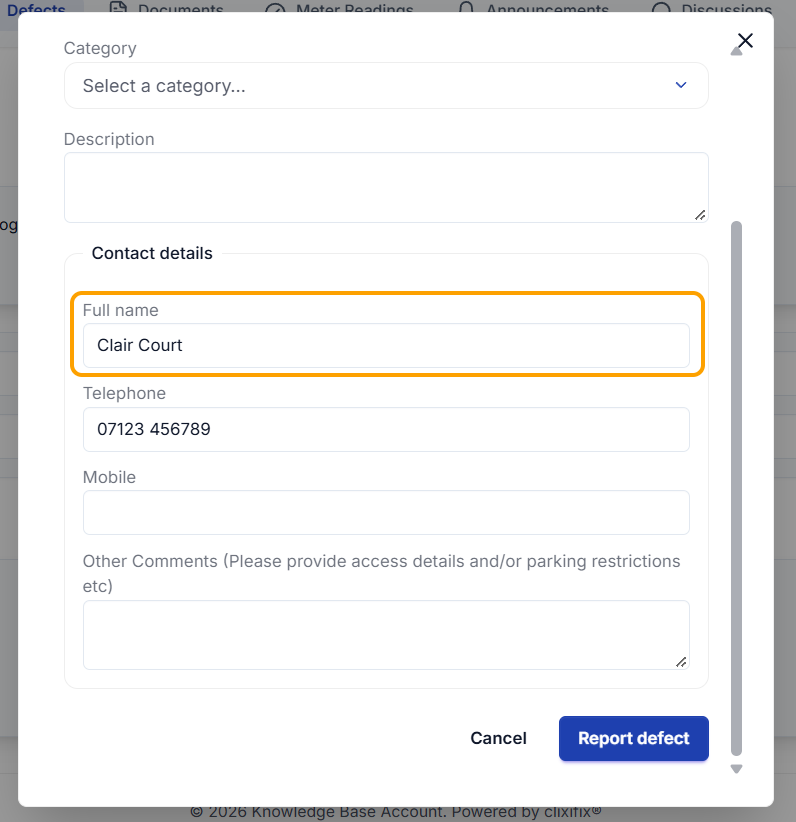
Step 4: Enter the contact name for the Defect, this is mandatory field.
The contact number fields are optional but only accept valid format numbers. You cannot add text to these fields.
Step 5: Review the information you have entered & edit if required.
Click Report Defect.
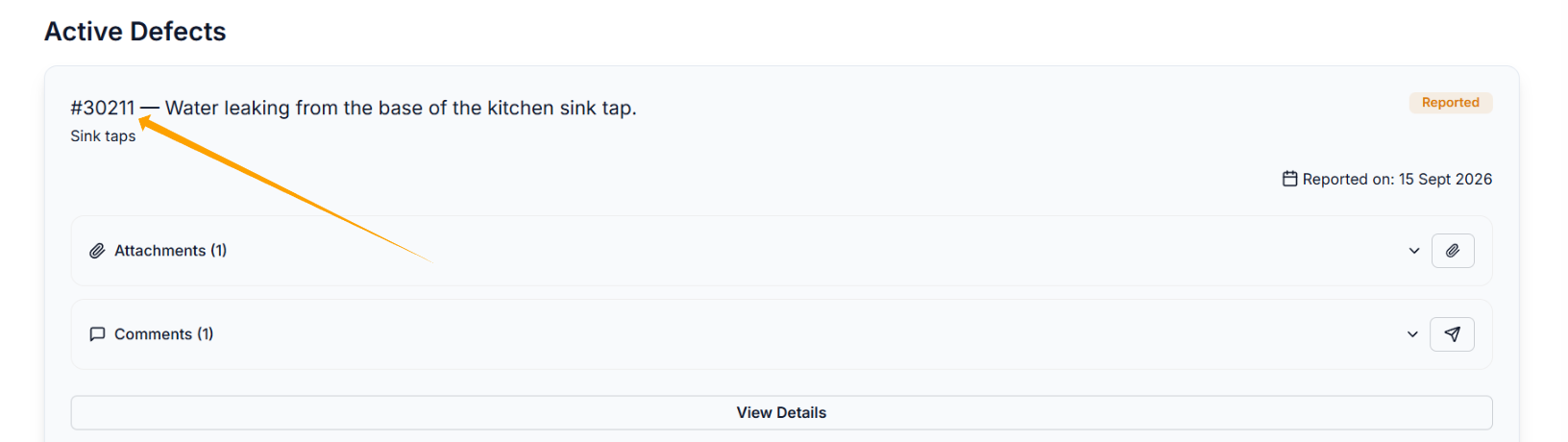
Once your Defect is submitted, you can find it within 'Open Defects'
Further Options
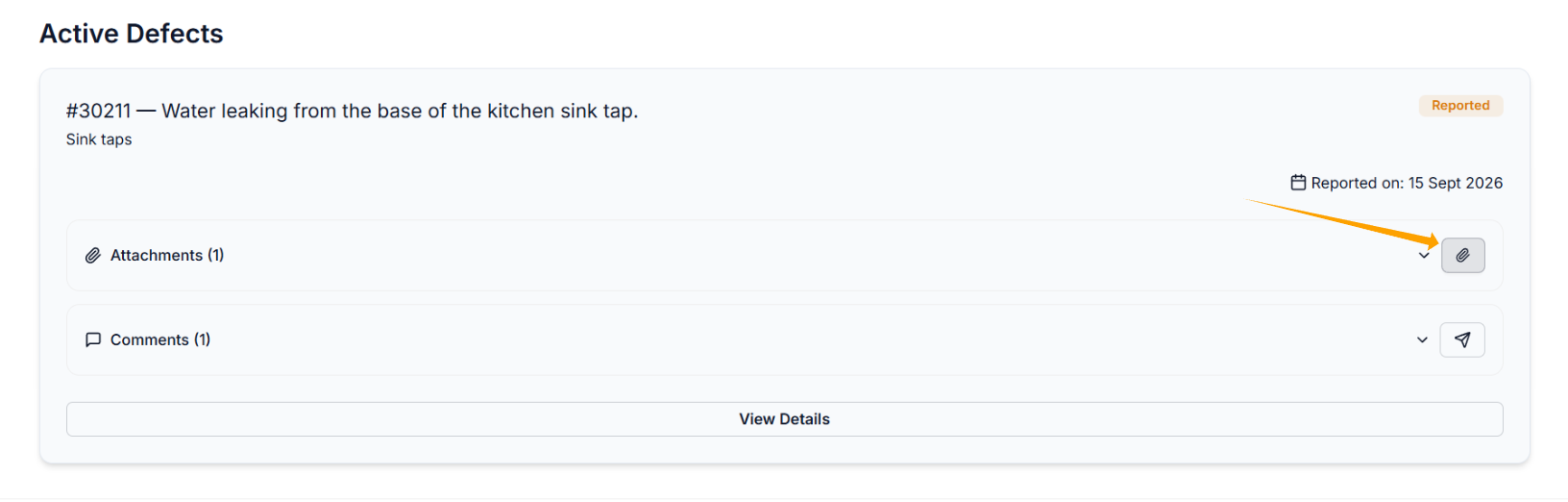
You can add further images or files by clicking the attachment icon, as shown below.
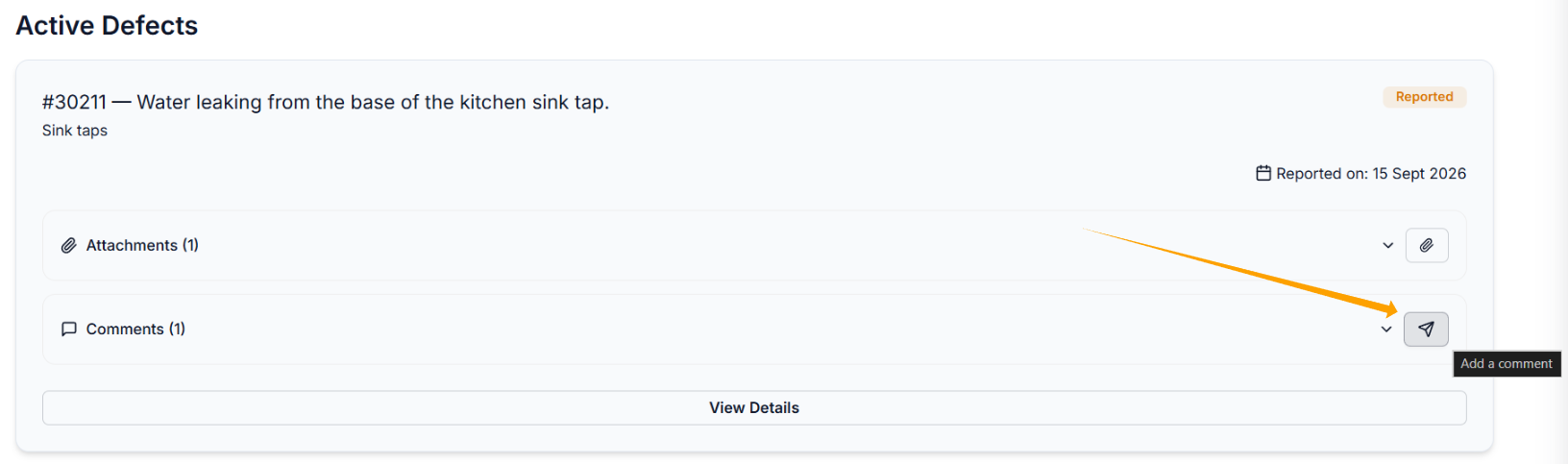
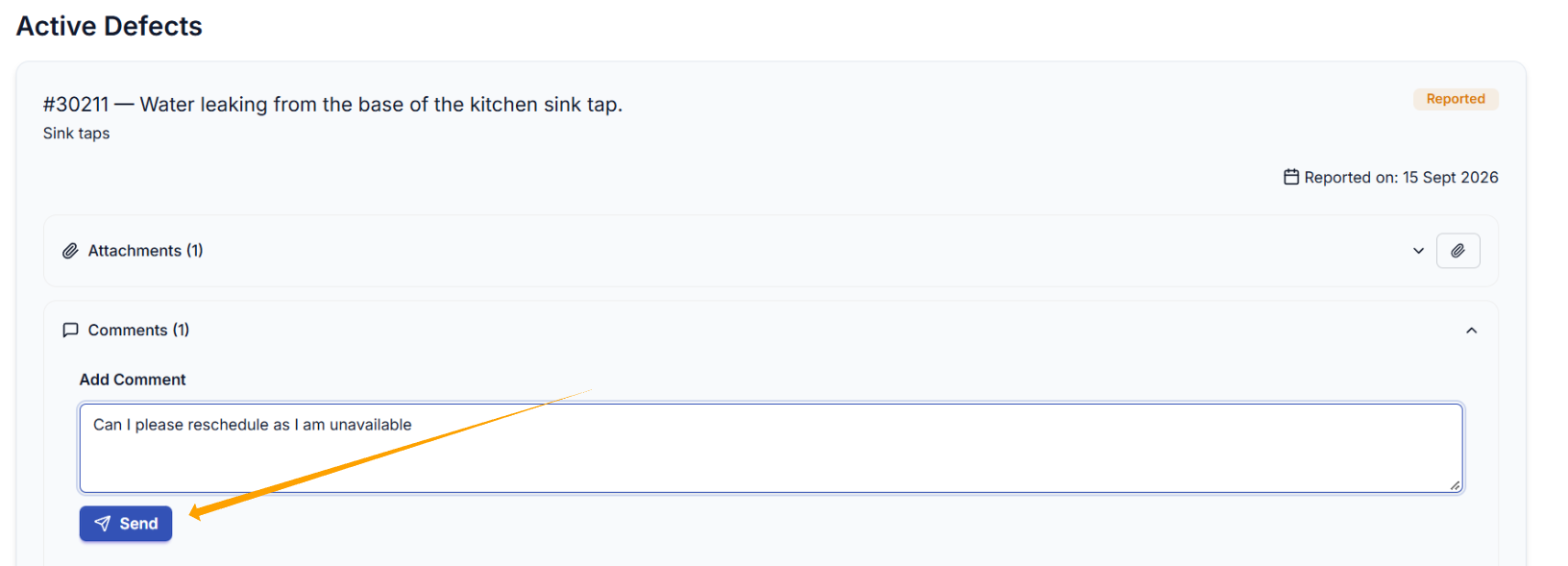
You can add comments by clicking the messenger icon.
Type your comment in the message box then click Send
Was this article helpful?
That’s Great!
Thank you for your feedback
Sorry! We couldn't be helpful
Thank you for your feedback
Feedback sent
We appreciate your effort and will try to fix the article